Kilometrówka VAT detects a trip when the driver's phone connects to the car's Bluetooth. Many older company cars and vans, however, have no Bluetooth radio. That is not a problem: you can record trips in three ways, from fully automatic to manual entry.
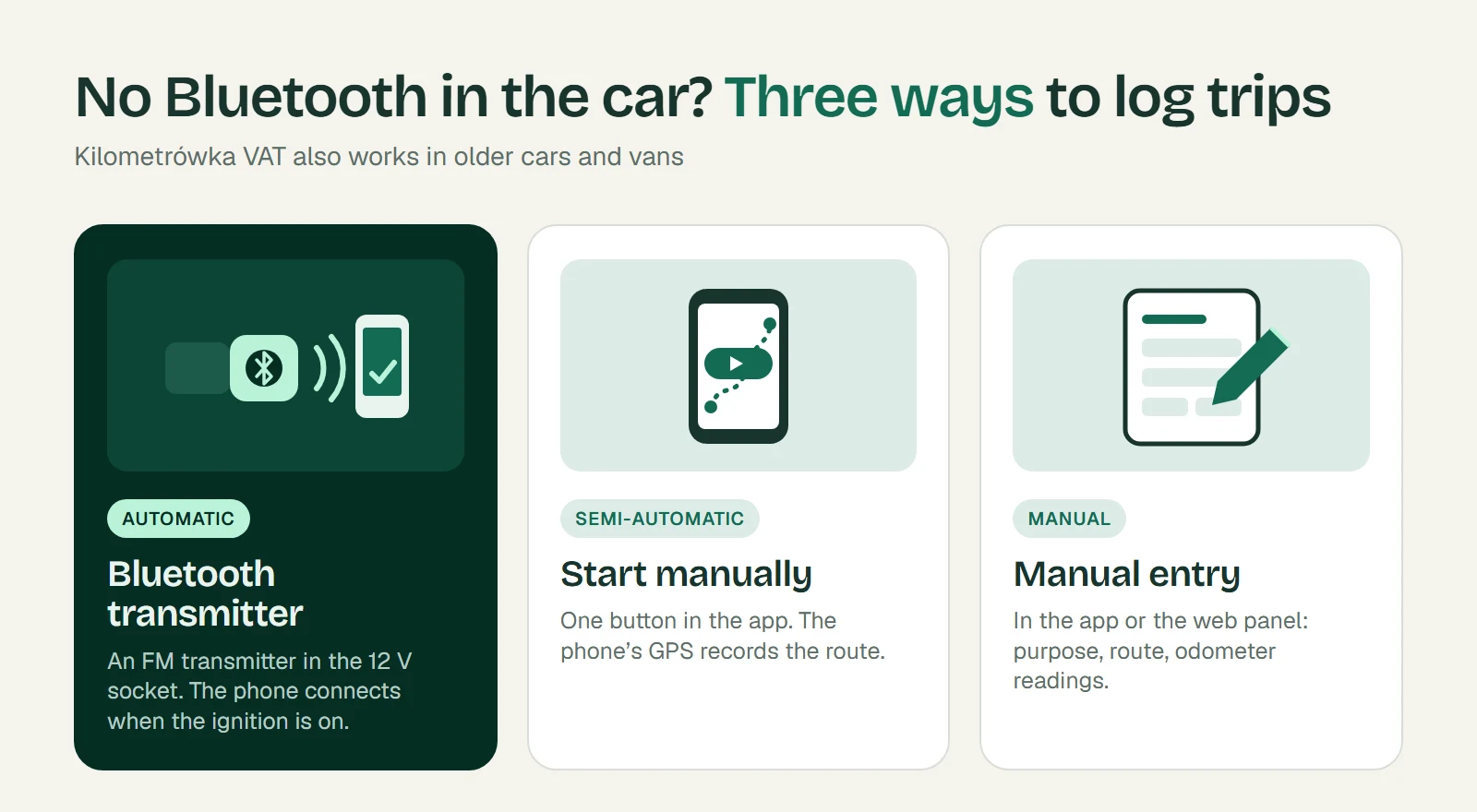
1. Bluetooth transmitter — automatic recording
The app does not need a factory-fitted Bluetooth radio. Any Bluetooth device that switches on with the ignition and connects to the phone will do. The simplest option is an FM transmitter with Bluetooth and a USB charger that plugs into the 12 V socket. Such devices usually cost a few dozen zlotys.
How to set it up:
- Plug the transmitter into the 12 V socket and switch on the ignition.
- Pair it in your phone's settings like any other Bluetooth device.
- In the Kilometrówka VAT app, select the transmitter as the vehicle's Bluetooth connection.
- Make a short test drive and check that the trip appears in the list.
From then on, a trip starts when the phone connects to the transmitter and ends when it disconnects. The app waits about 75 seconds before ending a trip, so briefly switching off the engine does not split the route.
Before you buy a transmitter, check the 12 V socket. Plug in a charger with your phone and switch off the ignition. If the phone keeps charging, the socket is permanently powered. The transmitter will then stay on after the engine is switched off and the trip will not end automatically. In such a car, use a socket that switches off with the ignition or one of the two other methods.
If several people drive the car, each driver pairs the transmitter with their own phone.
A Bluetooth audio receiver powered from a USB socket works the same way, as long as it switches off with the ignition. Bluetooth beacons and tags, as well as OBD2 diagnostic adapters, will not work. They do not connect to the phone on their own, so the app cannot detect the start of a trip.
2. Start manually — route recorded by the phone's GPS
If the car has no Bluetooth device at all, you can start recording with one button in the app.
- Select the vehicle you are driving.
- Before setting off, tap Start manually.
- When you arrive, tap Finish manually.
The phone's GPS records the route, just as with automatic recording. The trip goes to the web panel, where you add the trip purpose and approve the entry. The downside is that you have to remember to start and finish recording yourself.
3. Manual entry in the app or the web panel
You can also enter a trip manually, without a GPS track. This is a good fallback when you forget to start recording or your phone's battery was flat.
In the web panel, choose Add trip and enter:
- the vehicle and trip date,
- the trip type: business or private (private is available with a 50% VAT deduction),
- the trip purpose,
- the route: from, to and any waypoints,
- the initial and final odometer readings.
You can also add a manual entry in the mobile app. Read the odometer values from the dashboard. A manual entry has no GPS track, so accurate odometer readings matter all the more.
Which method should you choose?
- Bluetooth transmitter — when the car is used every day and the 12 V socket switches off with the ignition. The driver does not have to remember anything.
- Start manually — when you do not want to install anything in the car or the socket is permanently powered.
- Manual entry — for occasional trips and as a fallback when recording was not started.
You can combine the methods. You review and approve trips recorded in the app in the web panel before they go into the mileage log report.